Quick DIY: Neon Chalk Sign

I bought some chalk markers the other day, these chalk markers to be exact, and immediately I knew I had to make some decoration with them. After livening up my “To Do” board with the nice, fluorescent colors, I knew I wanted to make something a little more “permanent.

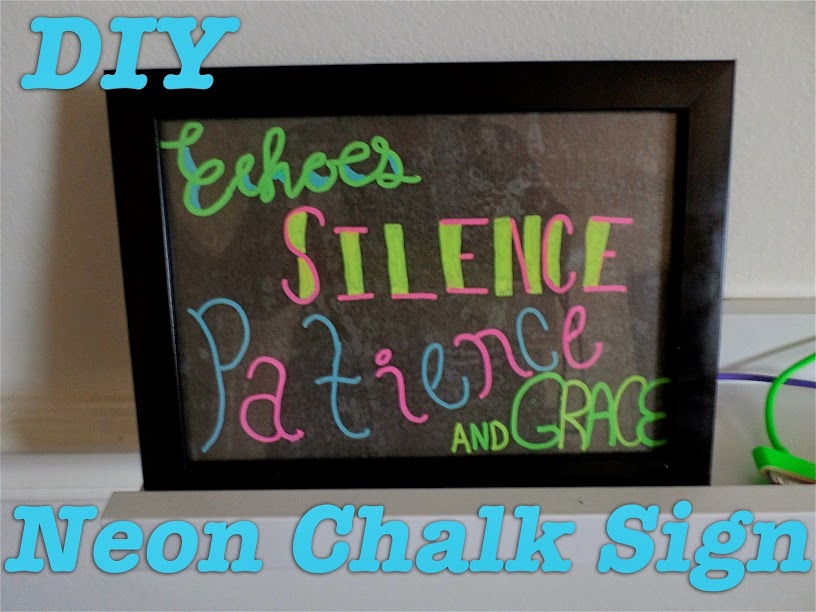
The perfect idea came to me as we were shopping in Target. I got a frame and decided to make my own “neon” sign. It’s so easy and took me only about half an hour including sketching out how I wanted it to look.
What You’ll Need:

  • Chalk Markers
  • Ruler
  • Scissors
  • Black (or Dark) Paper
  • Pencil
  • Eraser
  • Marker (with similar sized tip as chalk marker)
  • Library/Credit/Store Loyalty Card

Not Pictured:

  • Picture Frame with Glass plate (I used this one from Target)
  • Scrap White Paper
  • Tracing Paper
  • Clear Contact Paper

How to do it:

  1. Start by deciding on your phrase and sketch out how you want the words to look. I started with regular printer paper and writing the words as large as I wanted to see which style of typeface would work for the effect I wanted. I used the title of my favorite Foo Fighters album because it’s also just a phrase I find stuck in my head regularly.
  2. Once you have your styles chosen, remove the backing and front plate from your frame and trace inside the actual opening of the frame so you have the boundaries of what will be visible inside the frame. This way you know exactly how much space you have to work with.
  3. Lay out your phrase the way you want it to look inside the frame. This may take a few tries, so I would suggest to trace yourself a few spaces to use.
  4. Once you have it looking the way you want it, trace it onto the tracing paper using your regular marker. Make sure you also trace at least the corners of the bounding box to match up with the glass.
  5. Now you want to clean the glass with a damp paper towel and dry it really well with a dry one. You want to be sure there are no finger prints and you want to be sure there aren’t water streaks that will cause the colors to run.
  6. Flip your tracing paper over so the words are backwards and lay the glass over it so the words are where they should be.
  7. Now trace everything with your chalk markers. You want to make sure everything looks the way you want it to. Make sure it has a few minutes to fully dry, as well.
  8. Take a piece of clear contact paper that has at least a few inches on two sides to hold onto and place it flat over the glass. Take whatever type of plastic card you have on hand and smooth out any bubbles that may have occurred.
  9. Cut your black or dark paper to fit inside the frame and reassemble the frame with your glass, the paper, and the backing. You are finished!

Now you have a nice, bright sign to decorate your space. If you ever decide you want it to say something different, just remove the contact paper, wash the marker off, and start over.

Mine is now adding some much needed color and decoration to the shelf I added to my wall as a charging shelf. It was very bare during the day when I had nothing charging.

Yummy DIY: Rugrats Bouncy Ball Cookies

After watching this Nerdy Nummies episode, I have been determined to make Lego Piñata cookies.

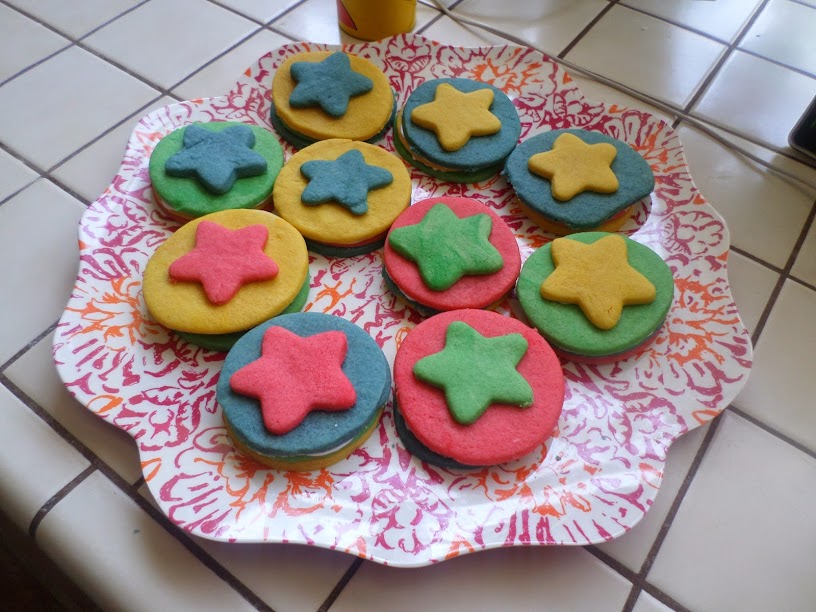
Unfortunately, I’ve been having a ridiculous time trying to find rectangular shaped cookie cutters. They were completely sold out at Michael’s this morning, so I finally just let the baby decide what shape our cookies were going to be and what shape we should put on top. He picked circles for the main cookie and stars for the topper, so what popped into my mind was Tommy’s bouncy ball:

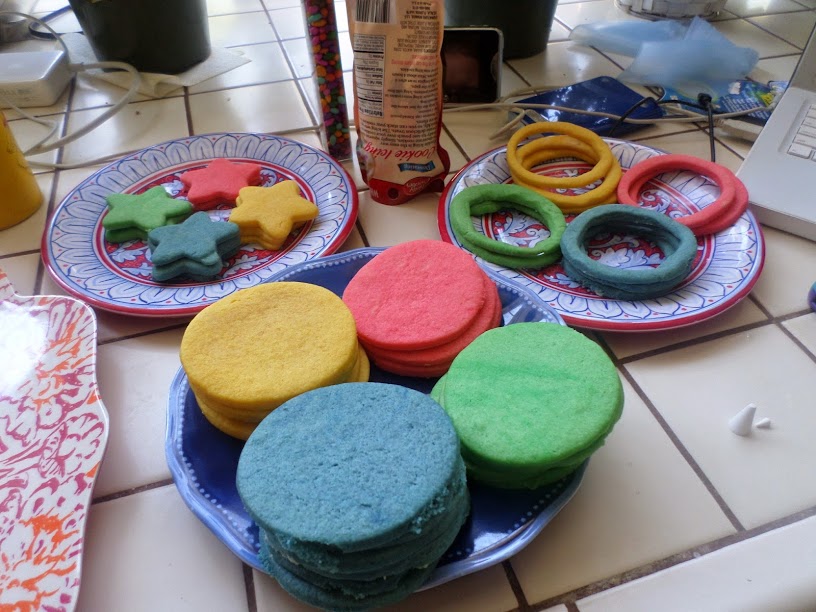
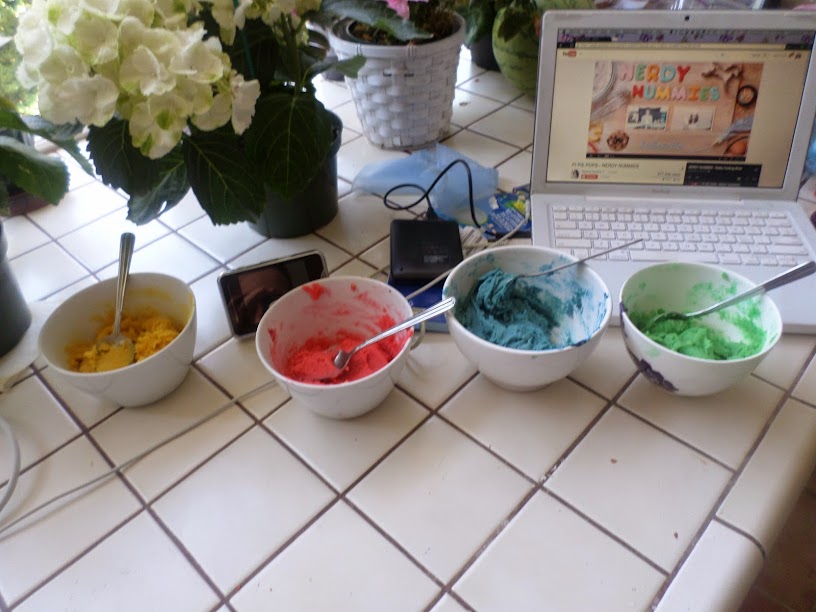
I still made all four colors of the cookies:

(See, I’m even watching the Nerdy Nummies playlist in the background.)

And I set the out in groups so I could alternate the colors.

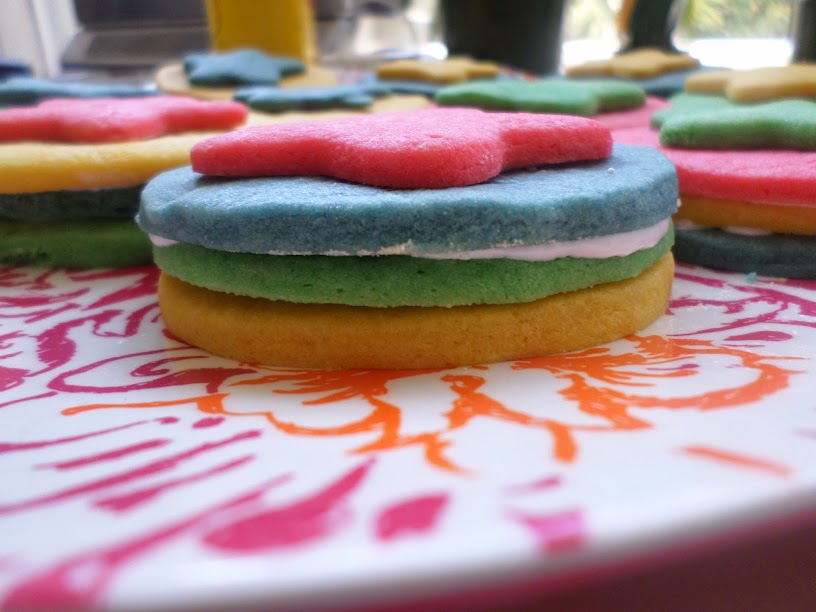
Unlike the original ball, I tried not to repeat any colors in each cookie. Due to my inability to divide the dough correctly, I ended up with three cookies worth of blue and yellow, but only two cookies worth of red and green. So some colors got repeated.

The filling suggested in the video is mini M&Ms, but we found candy covered sunflower seeds to go in the centers of these instead. I just didn’t take any pictures of that part.

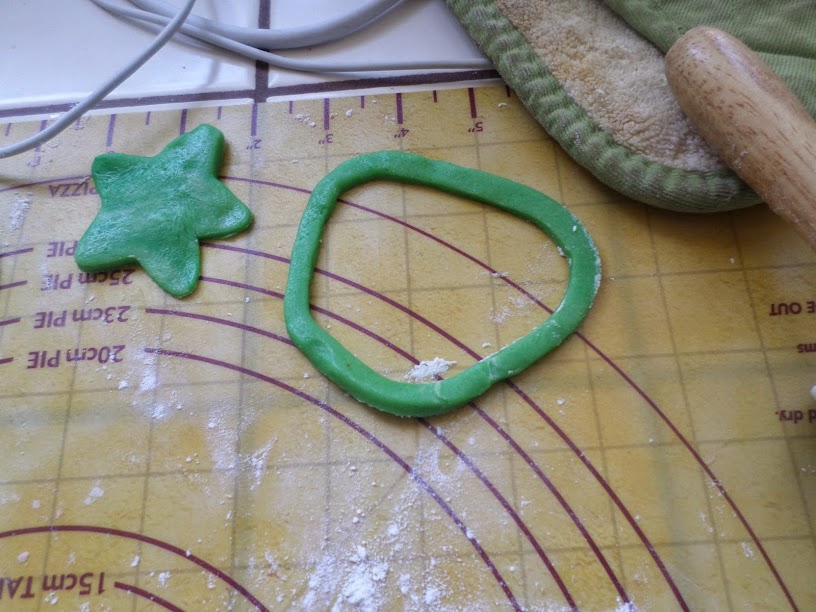
The two cookie cutters I used to make the center cookies were really close in size, so the center rings were a bit flimsy:

(Hey, is that the O from the Nickel-O-Zone? Anyone else even remember that? Just me? Yeah, pretty sure that’s just me.)

To fix them a bit, I put the cookie cutter onto the baking sheet and sort of pressed the O back into the right shape so it would fit well in the middle.

I don’t know that any of the kids I’m feeding these cookies to would get the reference if I explained it to them, but I’m sure there have to be at least a few people out there who still get it. 🙂

DIY Birthday Present: CD With Label and Sleeve

Home-made gifts are always the best, right? I had a flash of brilliance when the four-year-old went on a field trip to the recording studio. (Side note: Where were these awesome field trips when I was in school? Pretty sure we took the same trip to the zoo on the same day every year as our field trips. With the occasional trip to the botanical gardens thrown in every few years.) He was slightly disappointed because he wouldn’t be able to sing “Rainbow Connection” during the class recording session because it was too long. So I made a mental note to revisit that idea for his mom’s birthday.

I got a lucky break when they went out of town on a surprise trip last week and we had four days to record. But even if you don’t have the equipment (or desire) to record the recipient’s favorite songs, you can still make a mix CD. Yes, I said CD. I know you can just email them a playlist, but isn’t it more fun to give a physical gift? That said, you know your own friends and relatives and you know who will just give you a funny look as if they don’t remember how we purchased music before smartphones.

I’ll leave you on your own for the burning of the CD, since every computer and system and program handles that differently. But I don have a few tips to make it even more personal:

1. Make a paper sleeve.

There are all kinds of tutorials for all different kinds of paper sleeves, but I used this one to make a sleeve similar to ones I’ve bought CDs in at the store. That gave me more room to add things like pictures of the kids recording, a track list, “liner notes”, etc. It’s got a space for the CD and a flap that folds over. I used Photoshop to create the case, using the downloads from the tutorial as guidelines. To keep the finished product free of lines, I made the template “layer 1” and just set it to invisible before printing on cardstock, then printed the templates out on plain paper and used them as cutting guides.I also made two of the folded cover, one to be the inside and one to be the outside.

2. Create your own cover art.

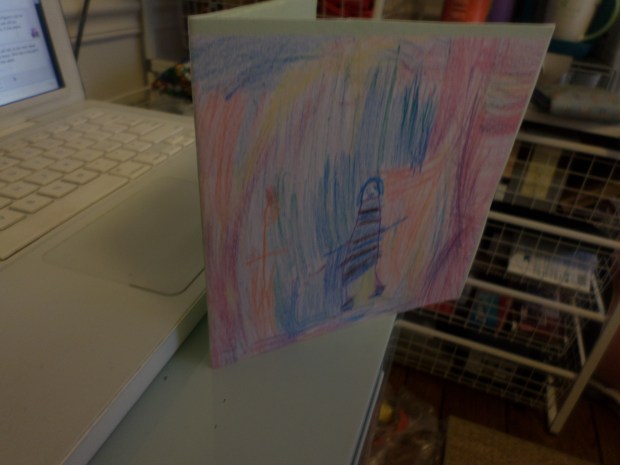
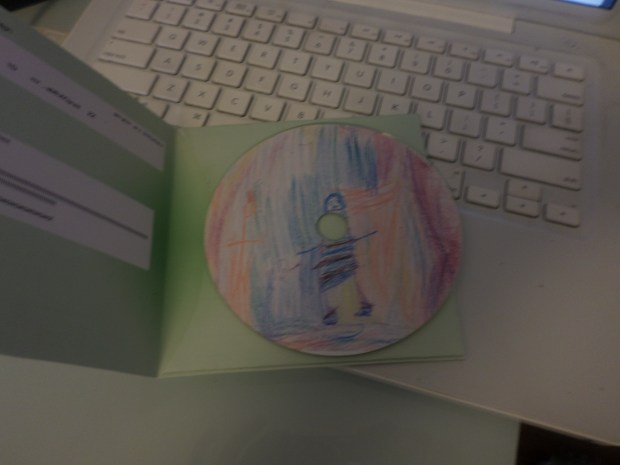
I tasked the four-year-old with coloring a picture to be the front of the CD cover, scanned that picture in, then resized it into the outer cover layer. You can also just take a picture and use it the same way.

3. Make a label.

I just grabbed a pack of Memorex CD Labels which have two labels per page, plus jewel case labels and downloaded this Illustrator template which I used in a manner similar to the CD case templates, except I didn’t have to print a copy of the template since it printed directly on the labels.

There you have it: Three easy steps to a one-of-a-kind (or however many you want) birthday gift. Or graduation gift. Or Mother’s Day (which is Sunday!) gift. Or…you get the picture. Have fun with it. Be creative. Especially if you are giving a mom a CD of her children singing her songs. She will love it. And possibly cry.